Published on Prostir
Royalty Recovery Agent
Royalty Recovery Agent is a ready-made assistant by Konstantin Semenenko. Add it once to the AI app you already use, and ask it for help right there.
Published on Prostir
Royalty Recovery Agent is a ready-made assistant by Konstantin Semenenko. Add it once to the AI app you already use, and ask it for help right there.
Connection link
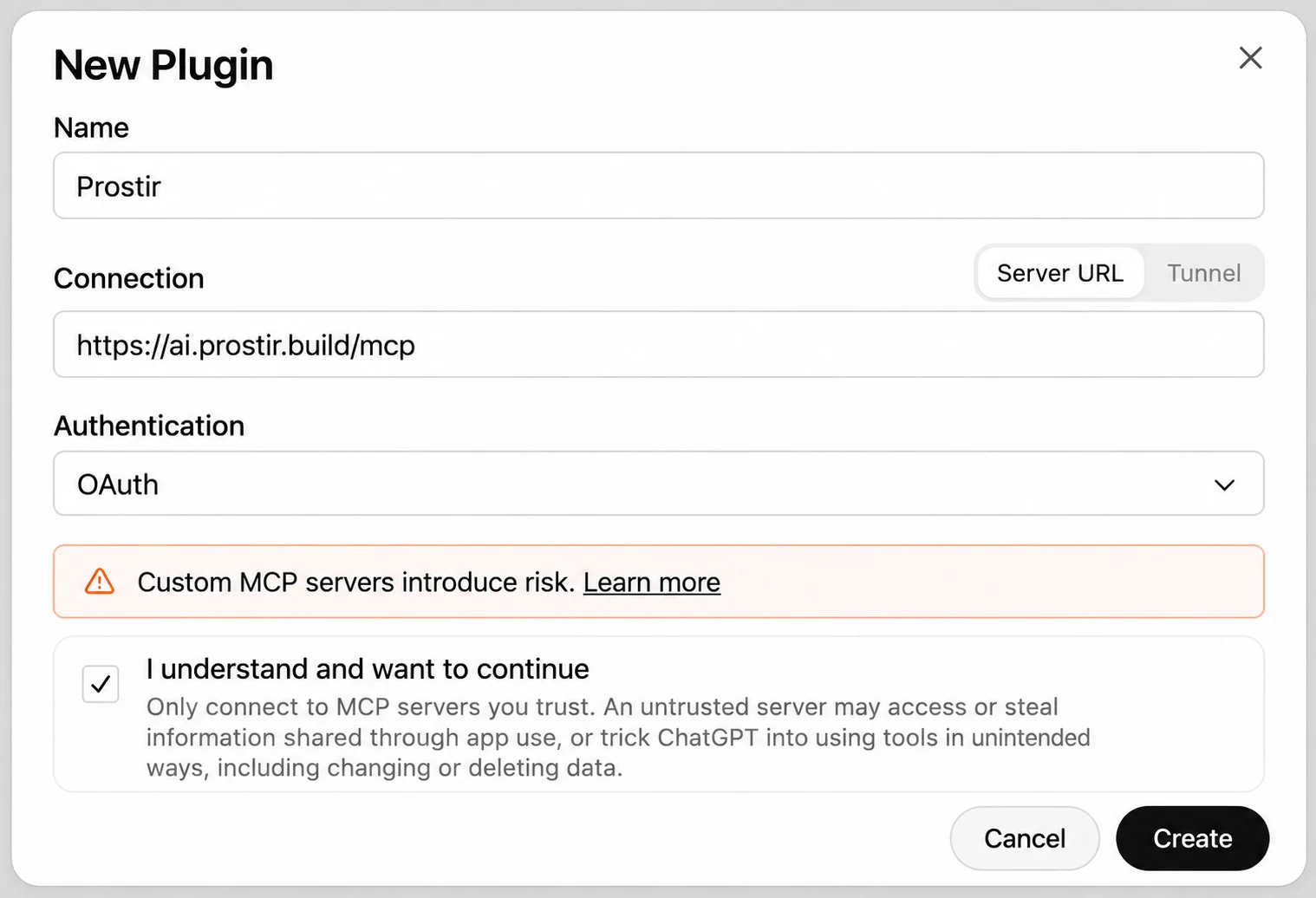
https://royalty-recovery-demo.ai.prostir.build/mcp
This one link is everything your app needs. Paste it into anything that can connect to outside tools.
Updated tool schemas and restored agent declarative definition.
No install, no new account. It works inside the app you already chat in.
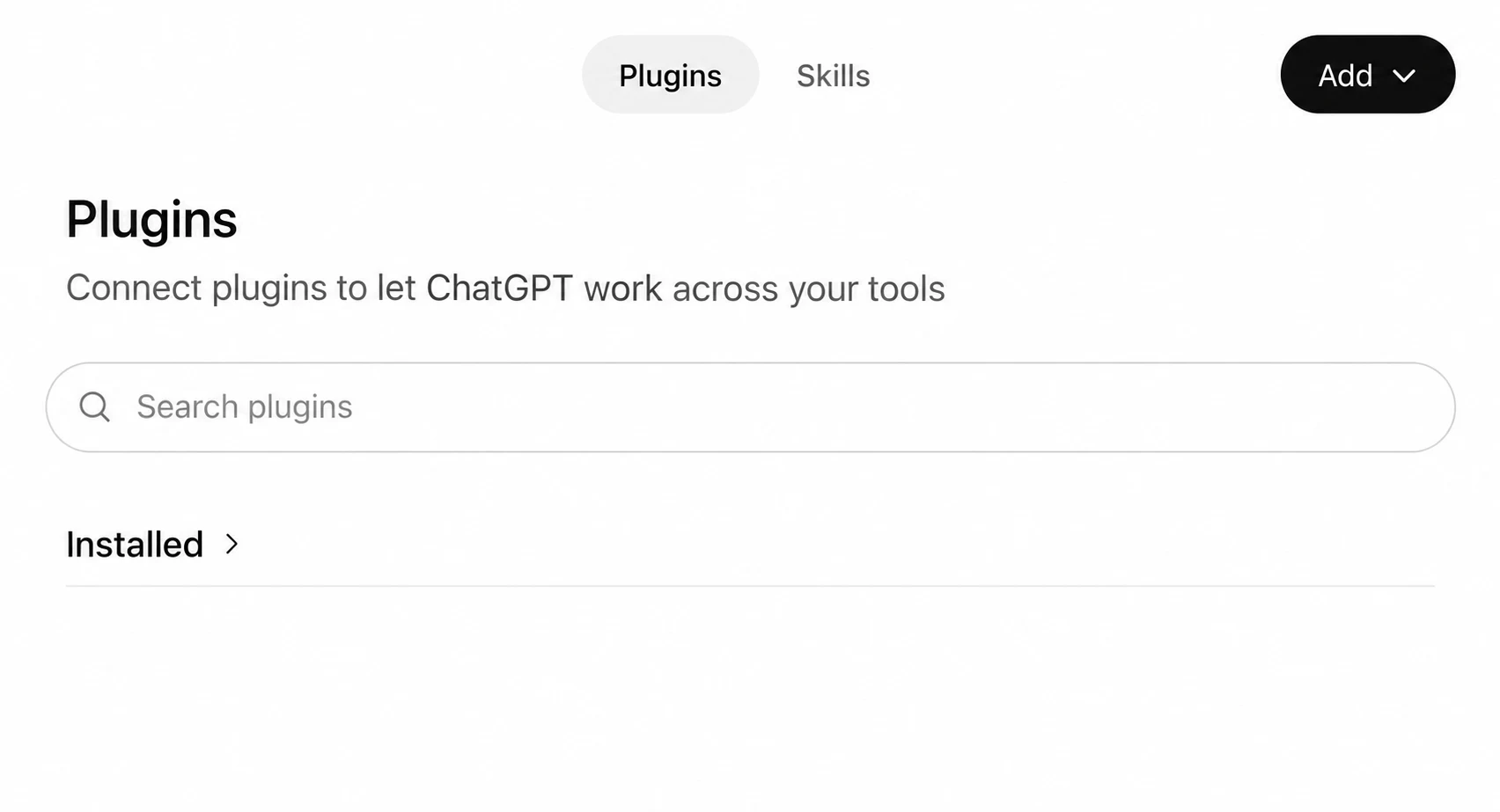
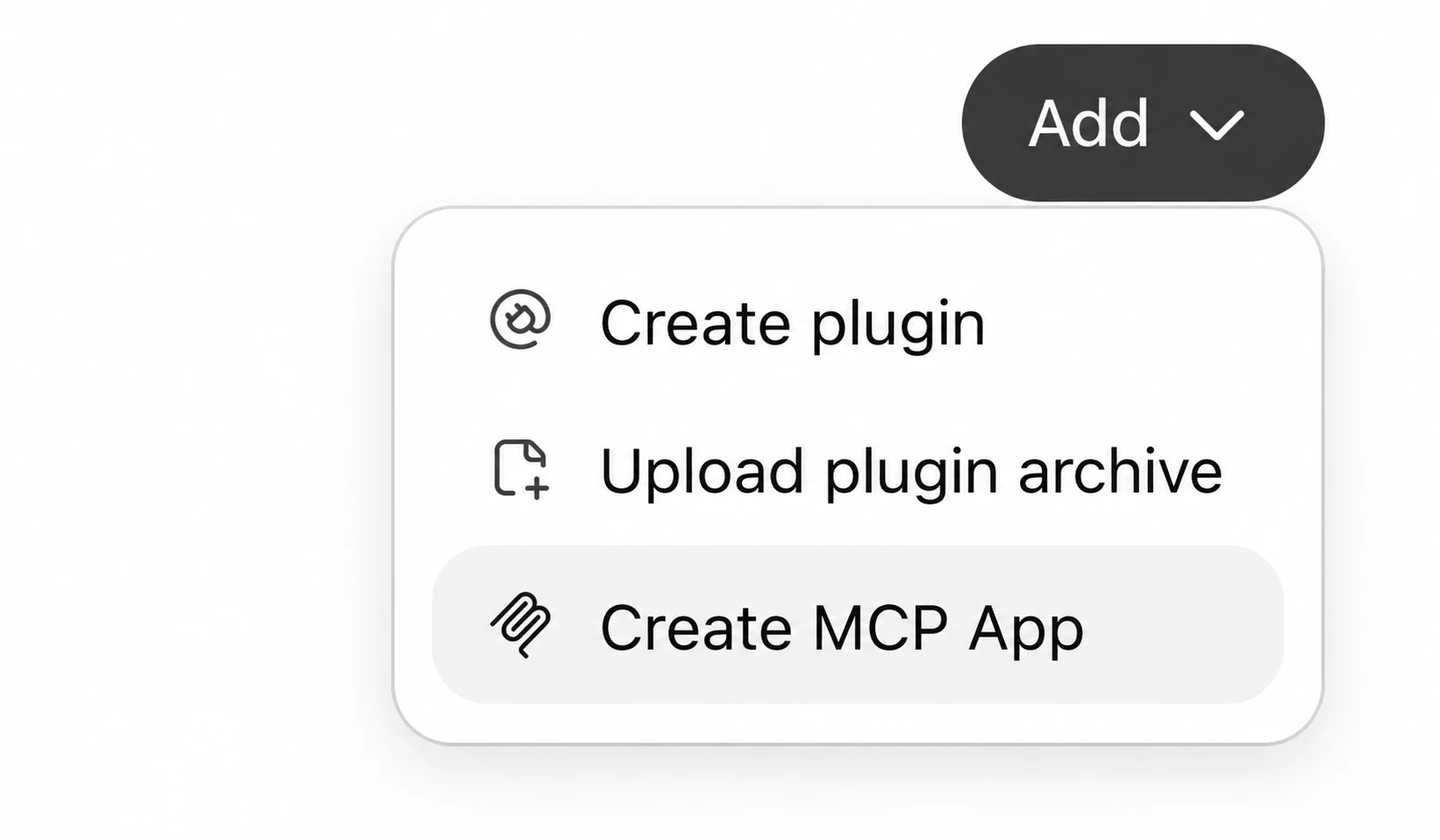
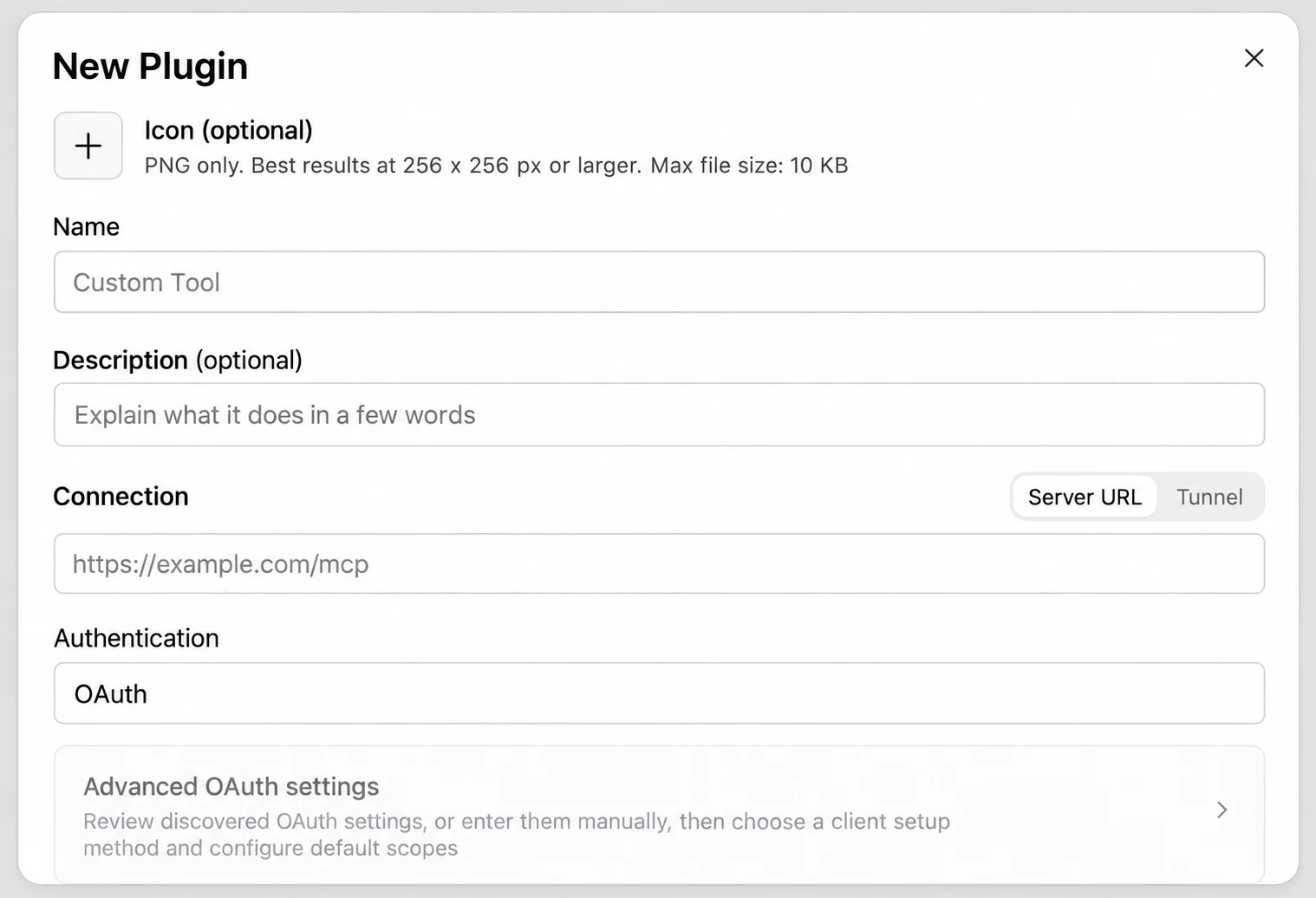
Pick your app below and follow the pictures. You do not type anything.
Sign in with your email when the browser opens. That is all.
Type your question where you always chat. The answer comes back there.
Pick the app you use and follow the pictures. It takes about a minute.
Copy the connection link above and paste it into your AI client during setup.
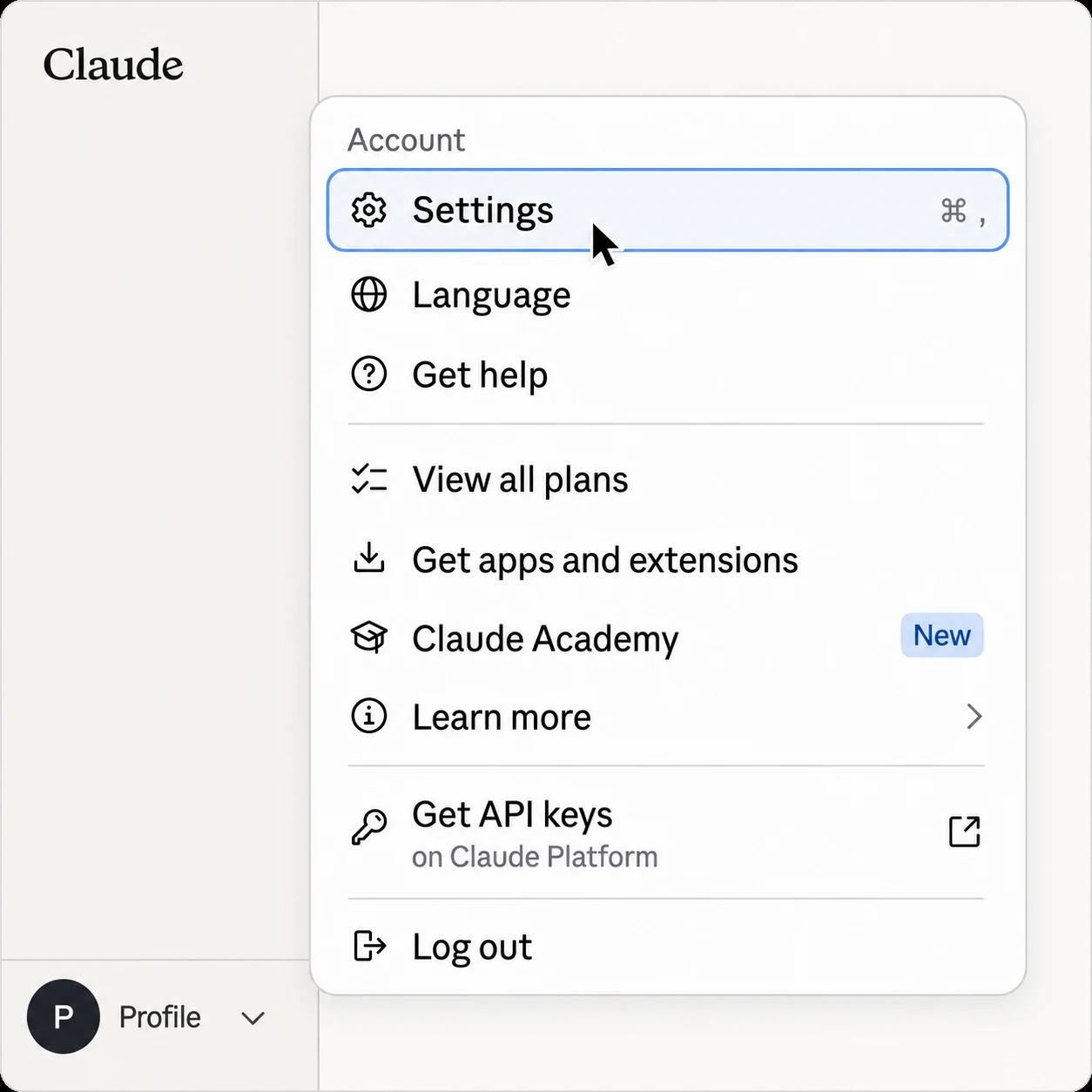
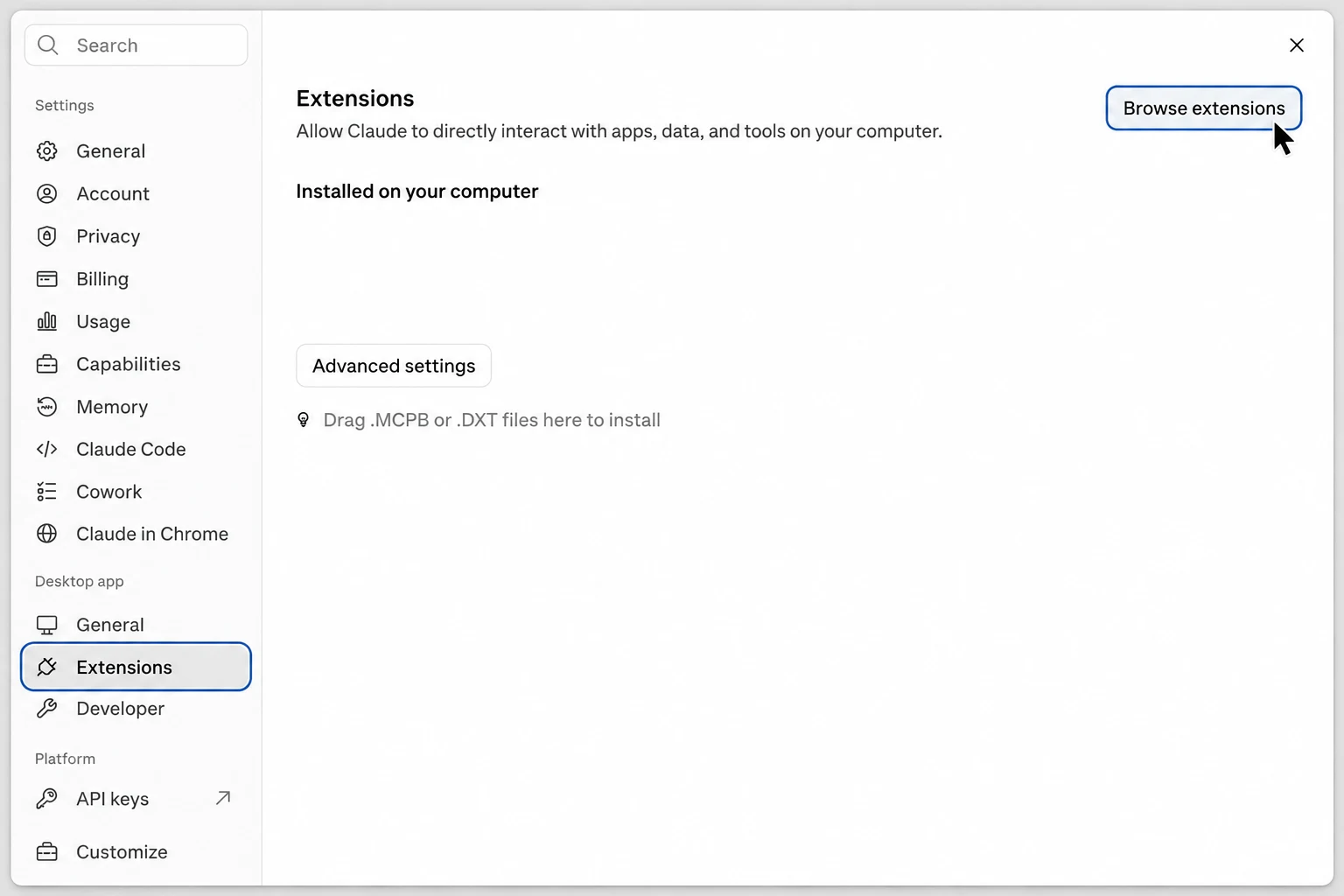
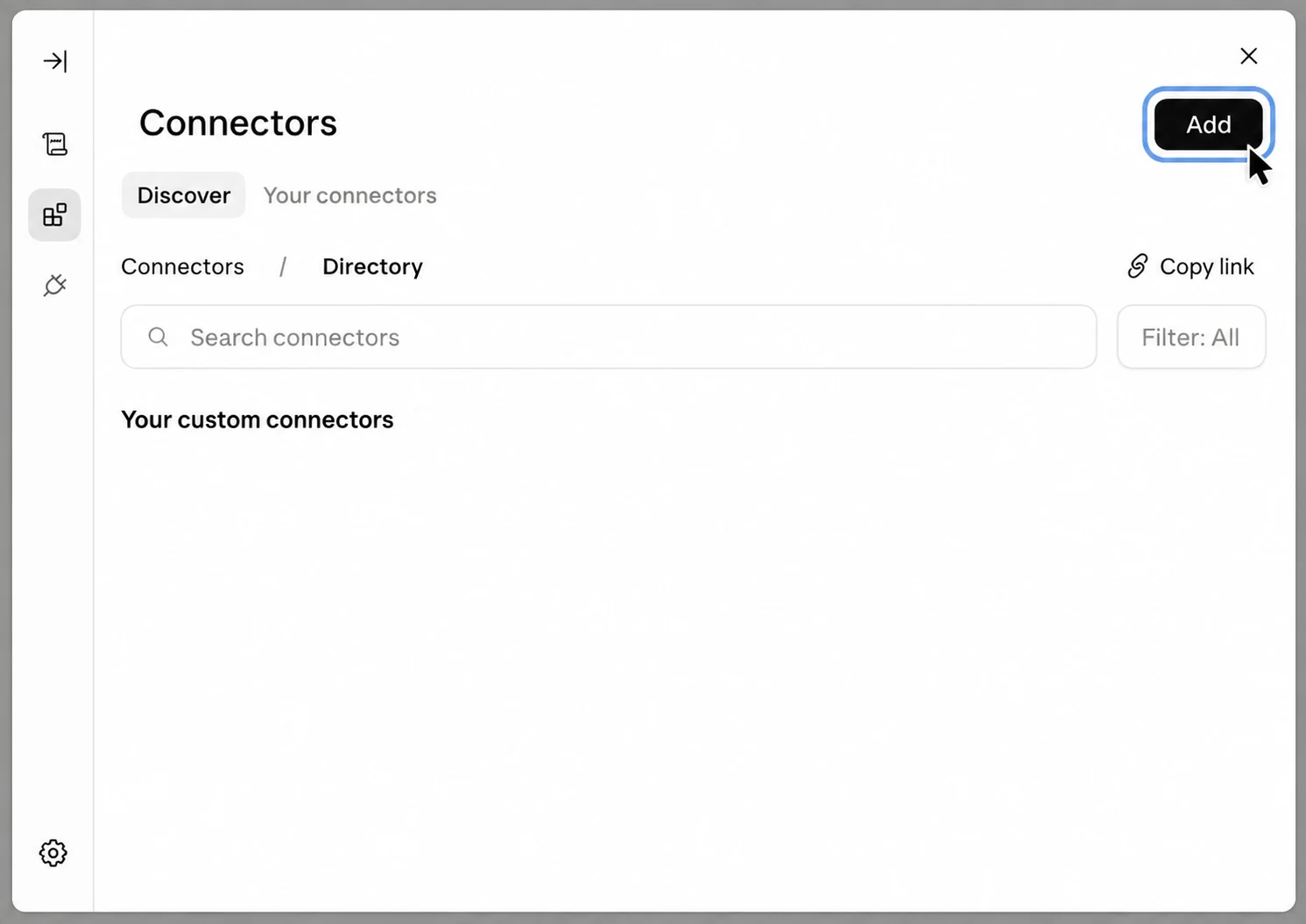
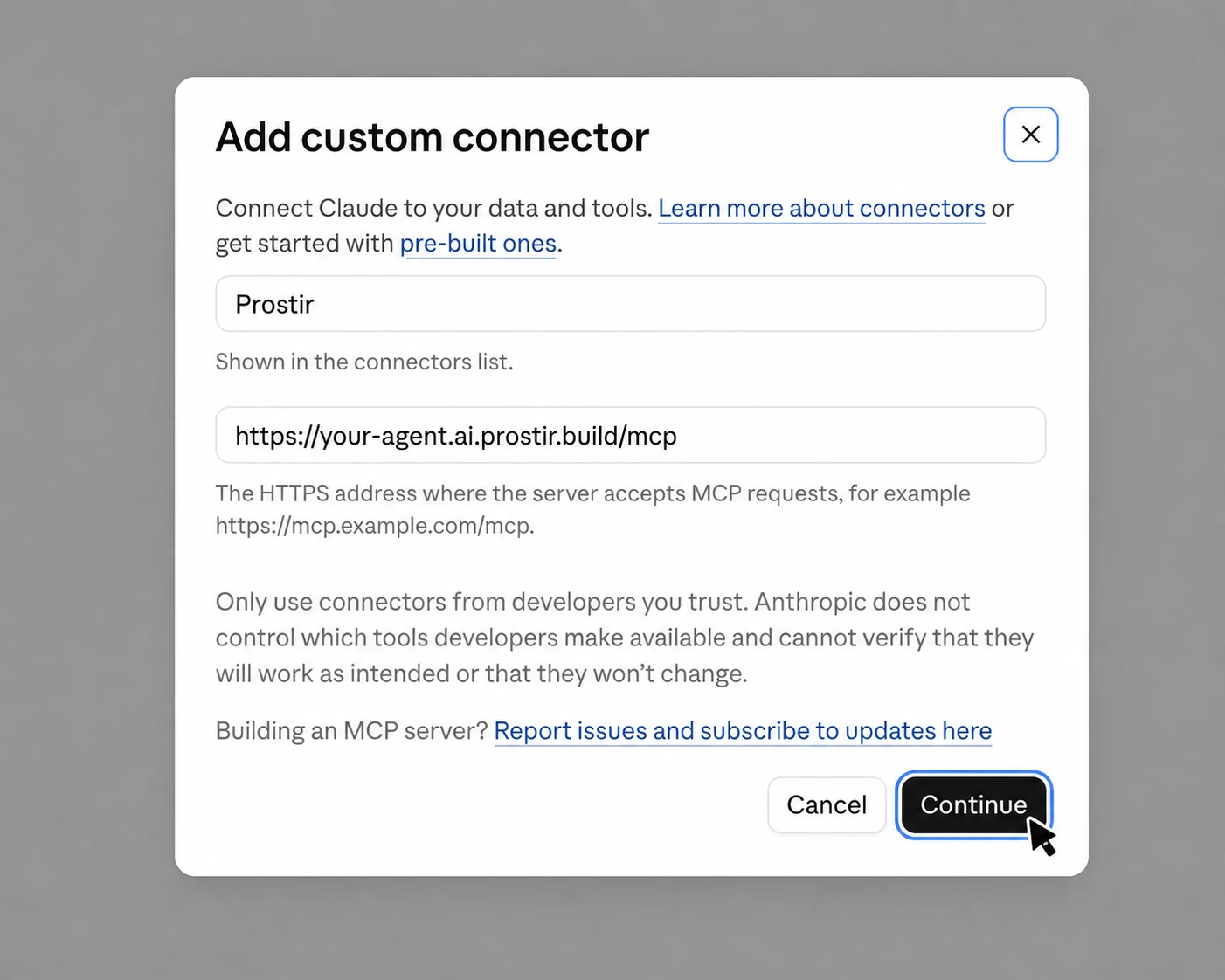
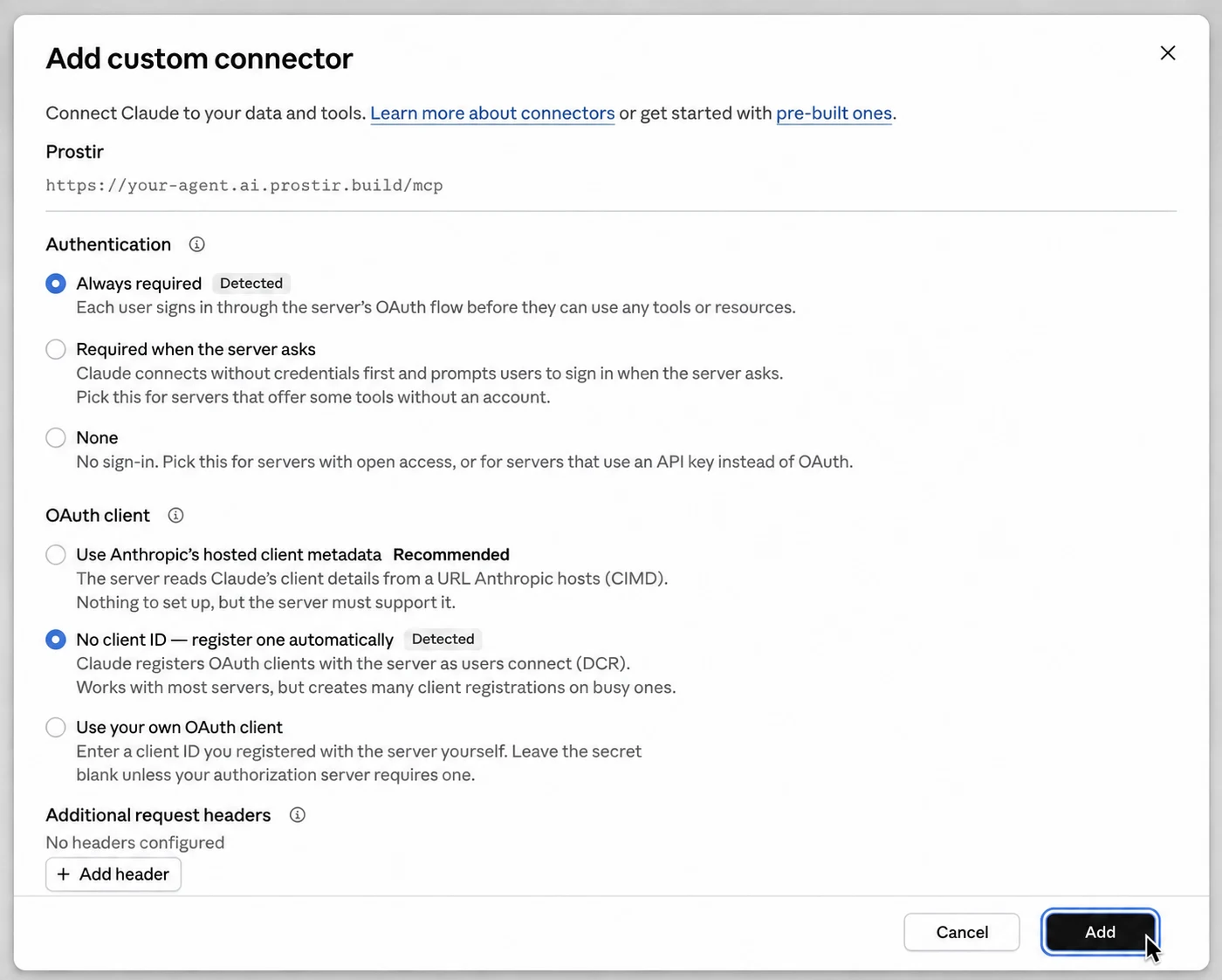
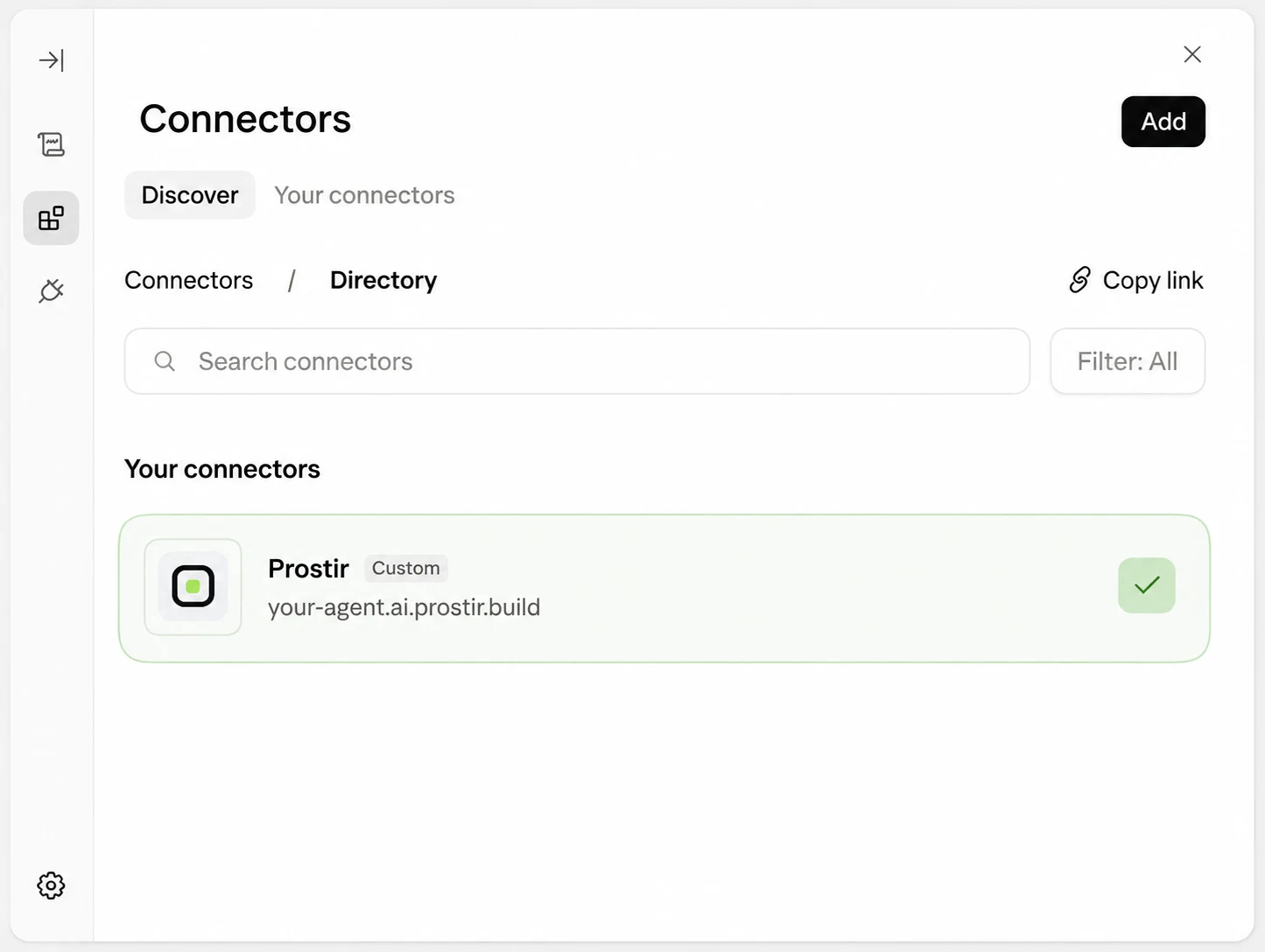
Create a .vscode/mcp.json file in your project, or open the one you already have.
Paste the settings block above and save the file.
Start the server from your editor, then sign in in the browser window that opens.
{
  "mcpServers": {
    "royalty-recovery-demo": {
      "type": "http",
      "url": "https://royalty-recovery-demo.ai.prostir.build/mcp"
    }
  }
}
Anything that can connect to outside tools will work. Copy the connection link above and paste it where that app keeps its connections.
{
  "mcpServers": {
    "royalty-recovery-demo": {
      "type": "http",
      "url": "https://royalty-recovery-demo.ai.prostir.build/mcp"
    }
  }
}No. The assistant runs on Prostir. You add a connection inside the app you already use, and from then on it is simply there when you type.
You sign in through Prostir, so the assistant never sees your password. You can remove the connection from your app whenever you like.
Any app that can connect to outside tools will work. Copy the connection link and paste it wherever that app keeps its connections.
Konstantin Semenenko publishes and supports this assistant. Prostir hosts it and handles the payment.
Ready when you are.
What is this page?
Royalty Recovery Agent is an assistant hosted on Prostir. Add it to the AI app you already use — its connection link is https://royalty-recovery-demo.ai.prostir.build/mcp.